Learn TikTok Ads for Shopify Stores
Turn TikTok into real orders for your store. A practical course from someone who runs TikTok ads for Shopify stores every day — setup, creatives, targeting and scaling, step by step.
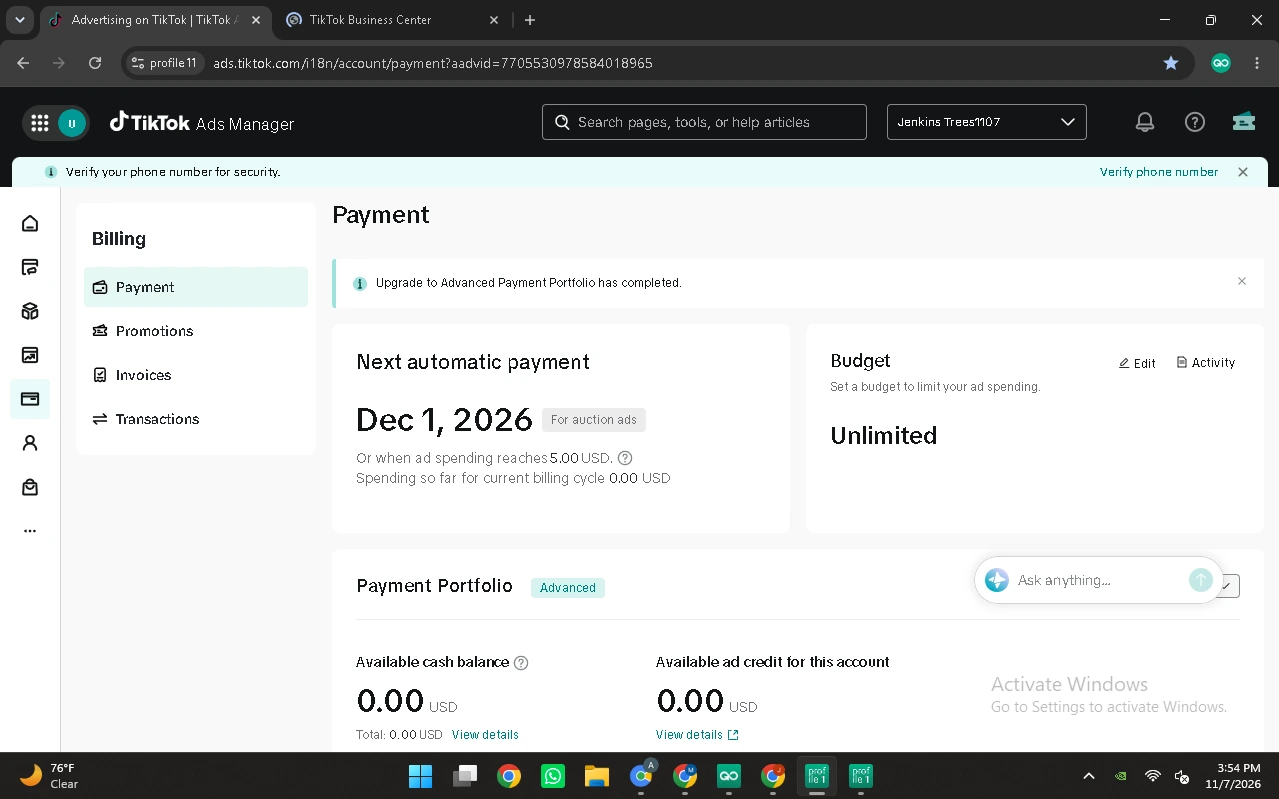
A look inside TikTok Ads Manager — where you manage campaigns, budgets and billing.
- Set up your TikTok Ads Manager account and pixel the right way
- Create scroll-stopping video ads for your products
- Find and target the right audience for your Shopify store
- Read your ad data and scale the campaigns that work
- Turn TikTok traffic into real orders for your store
TikTok Ads Course
Full course access. Learn at your own pace and start running profitable TikTok ads for your Shopify store.
Pay via Crypto
USDT — BEP20 (BNB Smart Chain). Send exactly $50 to this address:
0xf2533f89949a6f2d80f2688593d96dd460205591After payment, send the screenshot on WhatsApp — or deal directly on WhatsApp.
About This Course
This course is for Shopify store owners and beginners who want to learn TikTok Ads the right way — from your first account to your first profitable campaign. There are no shortcuts here and no tricks. You will learn the complete process I use every day to run TikTok ads for real Shopify stores: how to set up your account, how to create ads that get approved, how to make videos people actually watch, and how to read your numbers so you know exactly when to scale and when to stop. By the end, you will be able to run your own campaigns with confidence instead of guessing.
What You Get
When you enrol, you get full access to every module, including all future updates at no extra cost. You also get my campaign checklist, a creative testing template, and access to a private support group where you can ask questions and share your results. Everything is explained in simple English with real examples from real stores, so you can follow along even if you have never run an ad before.
1. Create Your TikTok Ads Account
You will start by creating your TikTok Ads account step by step. I will show you how to set up TikTok Business Center, create your advertising account, and add your business details correctly the first time. You will learn which country and currency settings to choose, how to add a payment method, and how to complete business verification so your account stays in good standing. Most beginners make small mistakes at this stage that cause problems later — I will show you how to avoid them.
2. Connect Your Store and Install the Pixel
Before you spend a single dollar, your store must be ready to track results. You will learn how to install the TikTok Pixel on your Shopify store, set up the events that matter — View Content, Add to Cart, and Purchase — and test that everything is firing correctly. I will also show you how to connect your product catalog so you can run catalog sales campaigns and let TikTok show the right product to the right person.
3. Get Your Ads Approved
Nothing is more frustrating than an ad that gets rejected. In this module you will learn TikTok's advertising policies in plain language: what you can and cannot say, which words and claims trigger rejections, and how to fix a rejected ad instead of starting over. You will see real examples of approved and rejected ads, learn how to request a review the right way, and understand how to keep your account healthy so your campaigns keep running without interruptions.
4. Create Winning Video Creatives
Creative is the most important part of TikTok Ads. You will learn how to make short videos that stop the scroll in the first three seconds — strong hooks, real product demonstrations, and honest customer-style content that feels native to TikTok instead of looking like a TV commercial. I will show you how to plan your videos, what to say on camera, how to use captions and trending sounds, and how to test different versions of the same ad to find the winner. You do not need expensive equipment — a phone and a clear idea are enough.
5. Target the Right Audience
Good targeting puts your ad in front of people who actually want your product. You will learn how interest and behaviour targeting works, when to use broad targeting and when to go narrow, and how to build custom audiences from your store visitors and lookalike audiences from your buyers. I will also explain how TikTok's algorithm learns from your pixel data, so you understand why patience in the first few days matters more than constant changes.
6. Launch and Manage Your Campaigns
You will learn the full campaign structure: campaign, ad group, and ad. I will show you how to set a daily budget, choose the right bidding and optimisation goal, and launch your first campaign without the common mistakes that waste money. You will also learn how to manage campaigns day to day — when to let an ad run, when to change the budget, and how to test new audiences and creatives without breaking a campaign that is already working.
7. Read Your Numbers and Scale
Numbers tell you the truth. In the final module you will learn the metrics that actually matter — CTR, CPC, cost per purchase, and ROAS — and what good numbers look like for a Shopify store. You will learn how to spot a winning ad, how to scale it by increasing budget and duplicating it into new audiences, and when to turn an ad off. By the end you will have a repeatable system: test, measure, scale, repeat.
Ready to Start?
When you finish this course, you will know how to create an ad account, connect your store, get your ads approved, make videos that sell, and grow the campaigns that work. If you run a Shopify store and you are serious about TikTok Ads, this course gives you the complete process — start to finish. Enrol now and start your first campaign today.